

Quick answer: Quick answer: Figma is a professional interface and product design tool for designing apps, websites and design systems, with prototyping and developer handoff. Canva is a template-based tool for quick marketing graphics, social posts and presentations. As of 27 November 2026, Figma Professional cost $16 a month per full seat billed annually, and Canva Pro was US$144 a year. Many teams use both.
Figma and Canva are often compared because both run in the browser and both support real-time collaboration. But they are built for different people. Picking the wrong one usually means either fighting a tool that is too complex or outgrowing one that is too simple.
Figma vs Canva at a glance
| Aspect | Figma | Canva |
|---|---|---|
| Main purpose | UI/UX, product and web design | Marketing and social graphics, presentations |
| Learning curve | Moderate to steep | Easy |
| Templates | Community files and UI kits | Very large template library |
| Prototyping | Yes, interactive prototypes | Basic animations and presentations |
| Developer handoff | Dev Mode and MCP server on paid plans | Not a focus |
| Free plan | Starter: unlimited drafts, 150 AI credits a day up to 500 a month | Yes |
| Paid entry | Professional $16/mo per full seat billed annually | Canva Pro US$144/year |
What Figma is best for
Figma is the standard for many product teams. It offers vector design, auto layout, components and variables for design systems, interactive prototypes and Dev Mode for developers. The Figma pricing page on 27 November 2026 also listed products such as FigJam, Figma Slides, Figma Make, Figma Sites and Figma Buzz, plus AI credits on every plan.
- Designing app and website interfaces.
- Building and maintaining design systems.
- Prototyping user flows before development.
- Handing designs to developers with specs.
What Canva is best for
Canva shines when you need good-looking marketing assets fast. Templates, a drag-and-drop editor, brand kits and a large media library let non-designers produce social posts, ads, flyers and presentations in minutes.
- Social media posts and ads.
- Presentations and simple documents.
- Print materials such as flyers and posters.
- Quick edits by marketing teams without design training.
Pricing compared
Figma’s Starter plan is free. On 27 November 2026, Professional cost $16 a month per full seat, $12 per Dev seat and $3 per Collab seat, all billed annually; Organization cost $55 per full seat a month billed annually. Canva Pro was US$144 a year after a September 2026 price cut. Note that Figma charges per seat type, so costs depend on who needs editing access.
Collaboration and AI
Both tools support real-time collaboration and comments. Figma focuses AI on design and prototyping tasks and lists monthly AI credits per seat. Canva’s Magic Studio focuses on content creation such as image generation, writing and resizing. Match the AI to your output: interfaces in Figma, marketing content in Canva.
Can you use Figma and Canva together?
Yes. A common setup is to design brand elements and product screens in Figma, then build marketing graphics in Canva using the same brand colours and fonts. This keeps product design precise while letting marketers move quickly.
Budget alternatives for marketing design
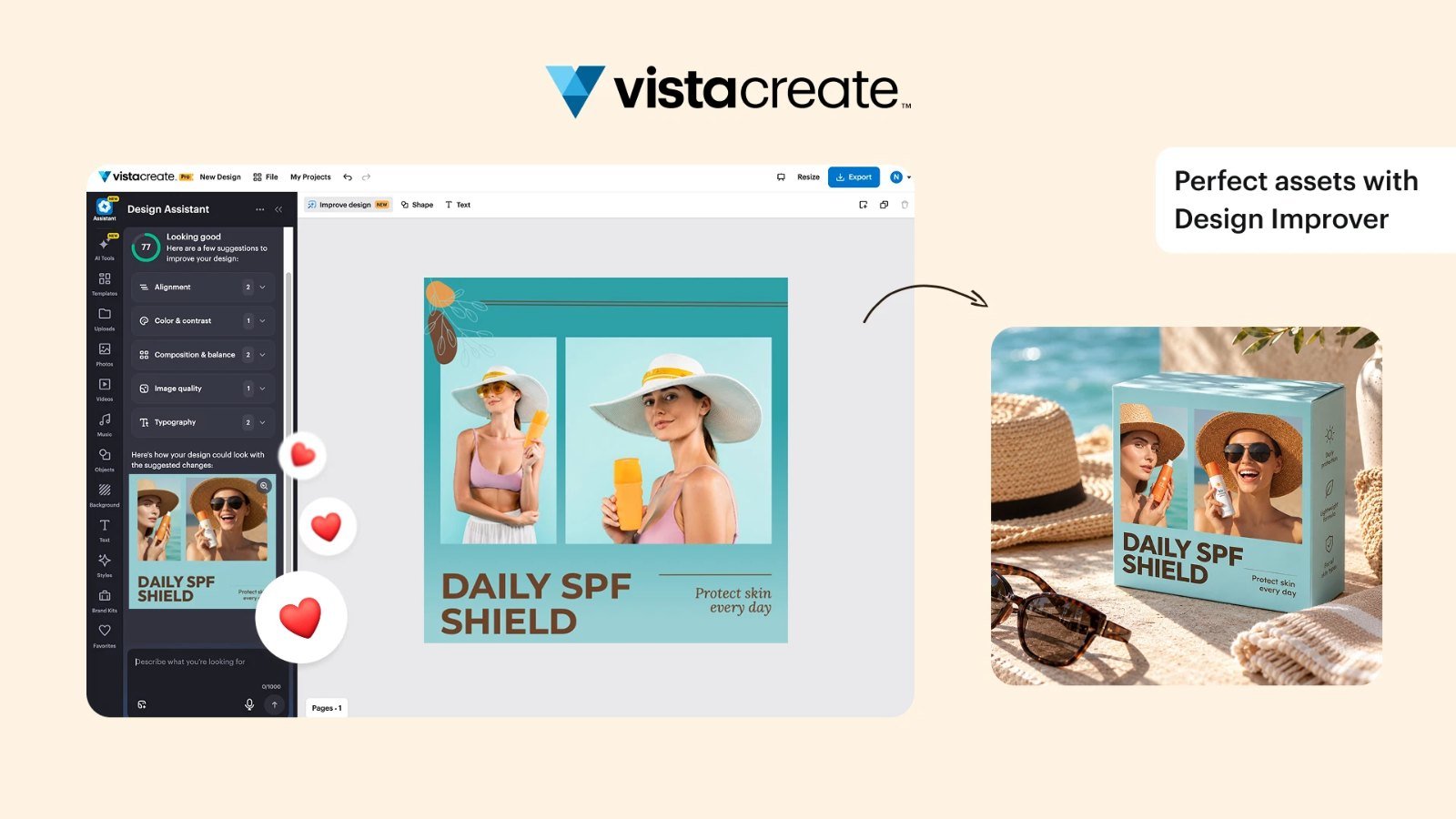
If you mainly need Canva-style marketing graphics and want to avoid a yearly fee, VistaCreate’s AppSumo lifetime deal for the Pro plan was listed at $109, or $98.10 with AppSumo’s extra Black Friday discount, until 1 December 2026. Read our VistaCreate review or open the VistaCreate deal. MagicCanvas is another AppSumo option; see the MagicCanvas review.
Which should you choose?
| You are… | Choose |
|---|---|
| A UI/UX or product designer | Figma |
| A developer working with designers | Figma (Dev seat) |
| A social media manager | Canva |
| A small business owner making marketing assets | Canva or VistaCreate |
| A team doing both product and marketing | Both |
For more comparisons, read Adobe Express vs Canva and our roundup of Canva alternatives.
Final verdict
Figma and Canva are not true rivals. Figma is the better tool for interface design, prototyping and design systems, while Canva is better for fast, template-driven marketing content. Choose by the work you do most, and use both if your team builds products and markets them.
Sources we checked: VistaCreate on AppSumo, Figma pricing, Canva pricing, Adobe Express pricing. Prices and plans change, so confirm on the official page before you buy.
Frequently asked questions
Is Figma better than Canva?
Figma is better for UI, UX and product design, with components, prototypes and developer handoff. Canva is better for quick marketing graphics, social posts and presentations from templates. The right choice depends on whether you design interfaces or create marketing content.
Is Figma free to use?
Yes. Figma’s Starter plan was free on 27 November 2026, with unlimited drafts, UI kits and templates, and 150 AI credits a day up to 500 a month. Paid plans add unlimited files and projects, team libraries and advanced Dev Mode features.
How much does Figma cost compared with Canva?
On 27 November 2026, Figma Professional cost $16 a month per full seat billed annually, with cheaper Dev and Collab seats. Canva Pro was US$144 a year after a September 2026 price cut. Regional prices and promotions vary, so check official pages.
Can beginners use Figma?
Yes, but expect a learning curve. Figma uses concepts such as frames, auto layout and components that take time to learn. Beginners who only need social posts or flyers will usually be productive faster in Canva, which relies on ready-made templates.
Can I make social media graphics in Figma?
You can, since Figma is a flexible vector design tool, and community templates exist. However, Canva is faster for most social graphics because of its template library, stock media and resizing tools. Many teams design brand assets in Figma and produce posts in Canva.